Create AI T-shirt designs. From input to finished PNG.
Start with an idea, a reference image, or a CSV. The start panel shows only the relevant inputs and guides you through mode or batch review, variants, garment tones, and the final review.
See your T-shirt design take shape, step by step.
Choose Idea, Reference, or CSV. The real start panel then guides you to the finished dark and light results.
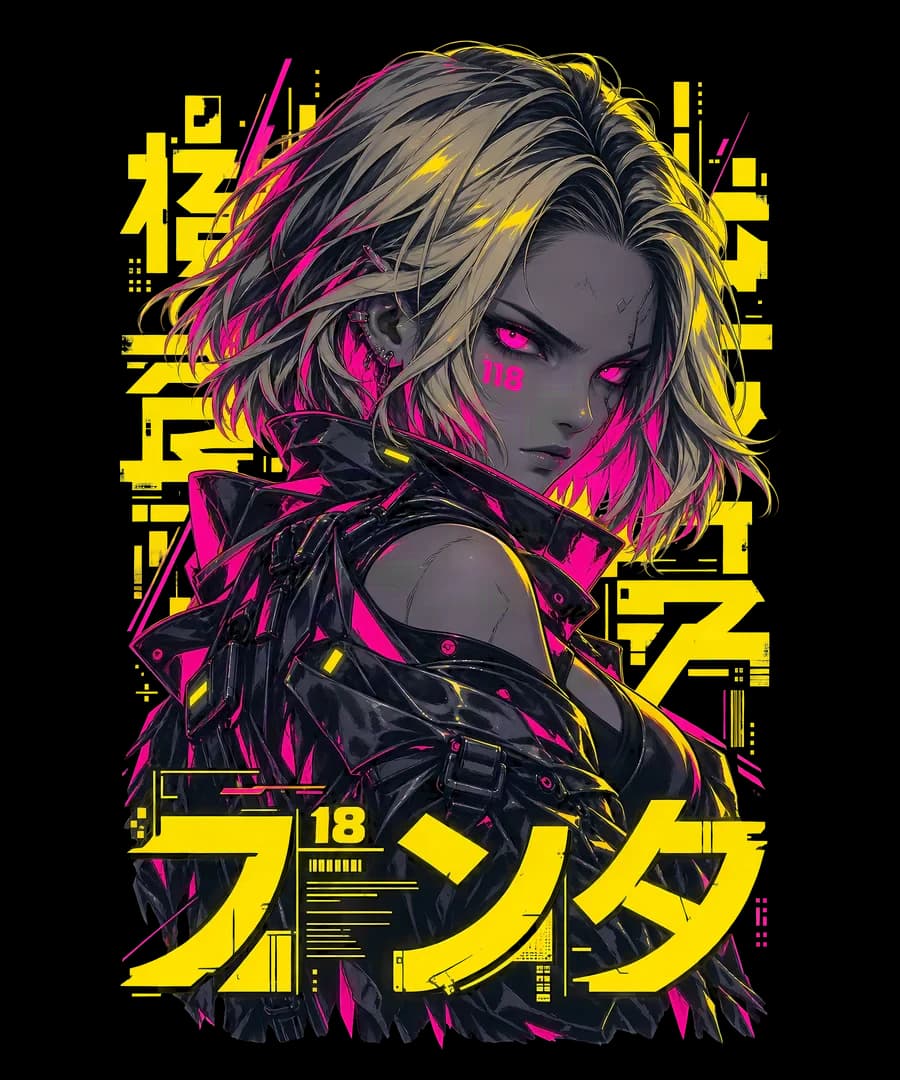
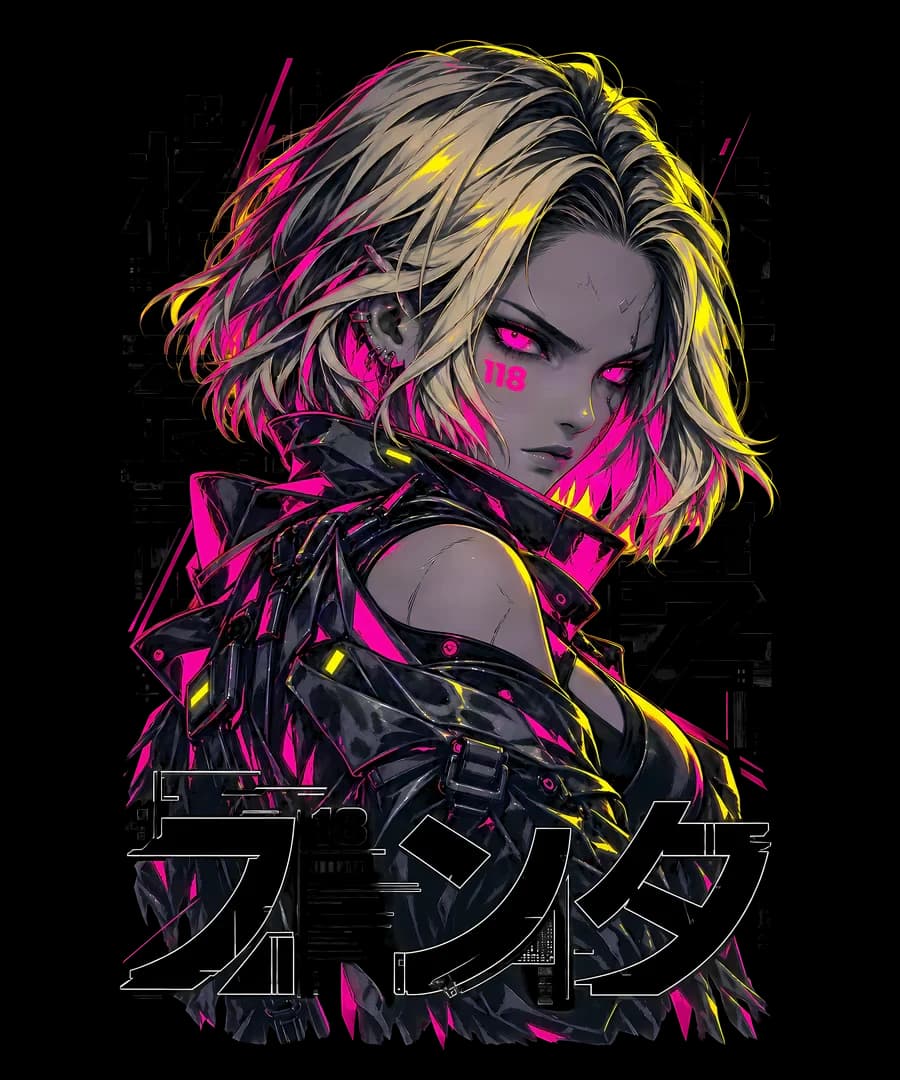
- 01
Add the reference image
Add an image as visual direction. The preview confirms which motif the run will use.
- 02
Choose the design mode
Creative, Balanced, or Reference-Close controls how freely the new sibling design is interpreted.
- 03
Set the garment tone
Dark, Light, or Both determines which finished files the run creates.
- 04
Choose variants
One, two, or four variants determines the number of independent design directions.
- 05
Start the run
MerchKern reserves the visible credits and processes exactly the outputs you selected.
- 06
Accept results and download PNGs
Check dark and light, accept the outputs you want, and download the finished PNGs.
Which input fits your T-shirt design workflow?
The production workflow stays the same. Only the way you provide the design idea changes.
- Create one T-shirt design from an idea
- Describe the motif and composition first, then add optional exact wording and choose style, garment tone, and variants. This works well for individual artwork and quick new directions.
- Create a T-shirt design from a reference image
- Add an image you own or have the right to use first. Then choose design mode, garment tone, and variants. MerchKern creates an independent sibling design rather than a copy.
- Create T-shirt designs in bulk from CSV
- Upload design name, niche, artwork description, wording, style, and color palette row by row. Review the preview, correct individual fields, and start the batch with your chosen garment tones and variants.